On this page you can find information about:
- Live Chat
- List of users
- General room
- Private rooms (city and family room)
- Private messages (under development)
- Extras
- Blacklist
- User colors
- Browser notifications
- Rules and regulations
Live Chat
In the Mafia world, words are more important than guns!
Ingame Live Chat has been implemented so players can easily keep in touch with their partners in crime.
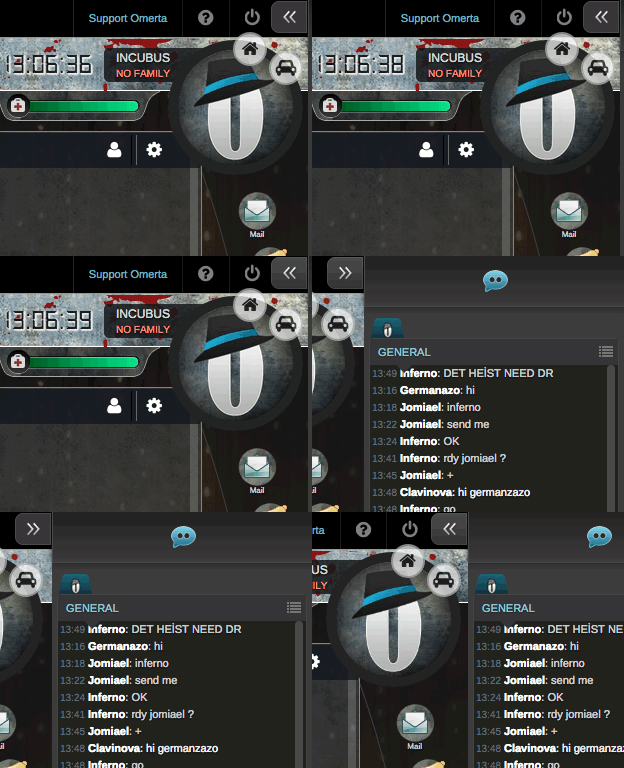
The Chat window occupies all the right side of the interface. Players can open or close it seamlessly - you only need to click on the arrow button, which you can find on the top of the interface, on the right side.

List of users
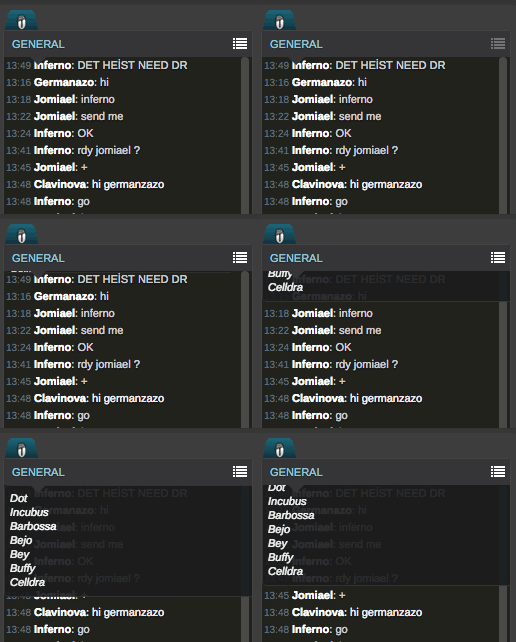
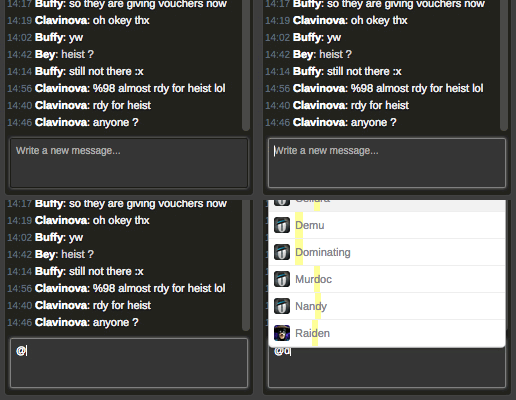
Players can easily check who is online on chat through the list button on the top of the channel.
This list will show online user ingames.
If you are curious about certain user and you want to see his/her profile, you can simply click on ingame name on chat and the wanted profile page will open. If the user list is too big, players can navigate using the scrollbar.

General room
Where most of the action is. This is the room where most of the players will hang out. Every registered user can access it as it is a public channel.
Rules: All the rules from our Discord official channels are applied in this room as well.

Private rooms
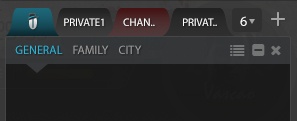
Chat is not restricted to only one room. You have access to a range of different rooms: one for the city where you are, one for your family and (in the near future) other private rooms that you will be able to create and invite people to join in. It's important to have your friends close or even your enemies, but some business needs to be done in private.
City room
This is the room where all city business is done. Find your heist, raid, and race partners or arrange organized and mega organized crimes in one city. Every city has its own room.
Family room
This is where you deal with your family business. Only members of your family can access the family room.

Extras
Highlight users
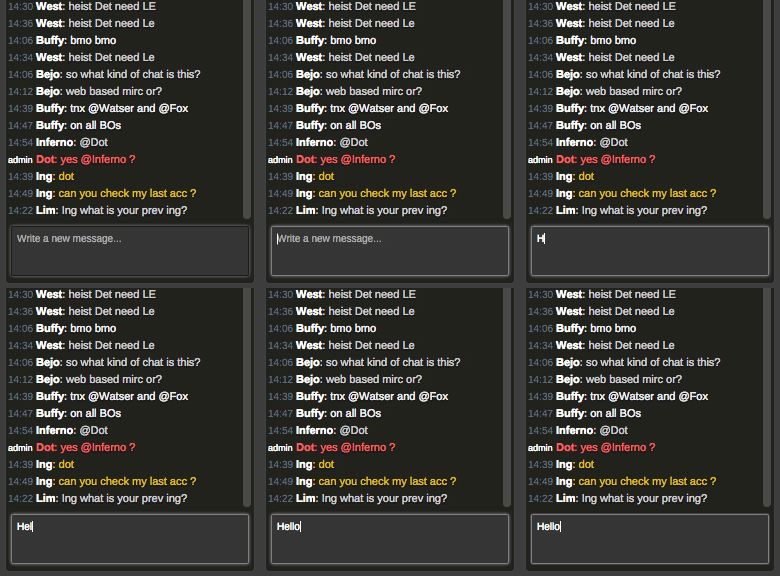
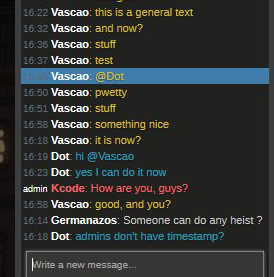
You are able to highlight a player with the following command: @INGAME (for example, @Dot). That player will see his name highlighted, standing out from the other online players on chat.

Follow what you are writing
It is easy to follow up your lines as they are shown in a different color (blue). Your text will always stand out from the other colors present on the chat, so it gets very easy to know what you wrote and when.
Blacklist
Annoyed by someone on the live chat? Too much spam? You can add other gangsters to your blacklist! Once added, you won't be able to see messages from that gangster on the Live Chat. To add gangsters to blacklist, go to Chat Settings on the left menu.
Users colors
Users' color on chat differ by:
1 - Status
- (WHITE) - Non-donate members
- (SILVER) - Donate members
- (GOLD) - Donate + Members

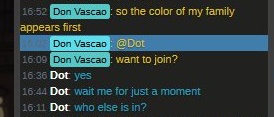
2 - Family Membership Live chat corresponds to the user's family. If a user has a family, his nickname on chat will be in the color of that family.
3 - Position in family Players who have an important position in their families will have it written behind their nicks.
- (CAPO, SOTTOCAPO, CONSIGLIERI, DON)

Browser notifications
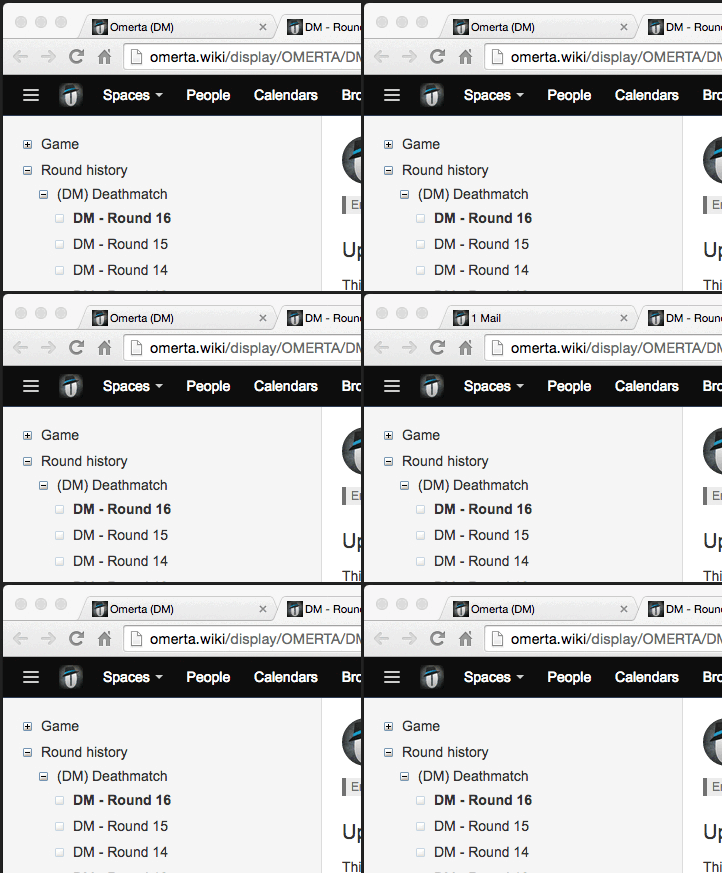
Up on the game tab where it says Omerta (version) you will get notifications about mentions on chat, alerts, and messages you receive while you are on other pages on your browser. This is done in order to draw your attention so you don't miss what matters.