
Avatar
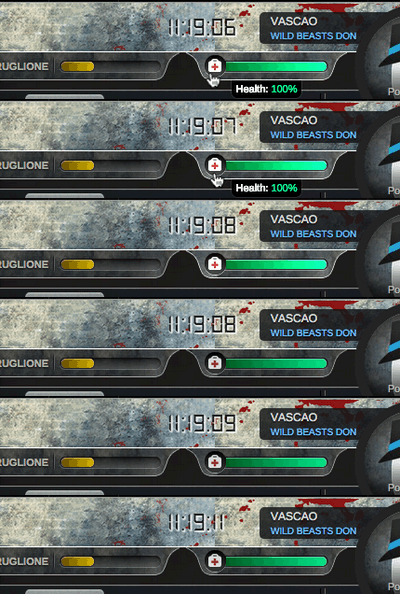
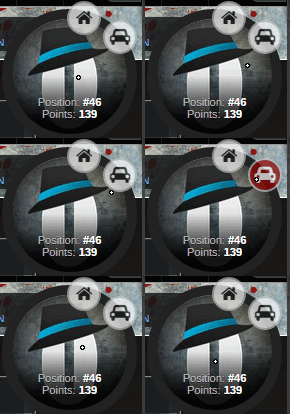
The Avatar allows players to get real-time info about their character. In it (and around the circle), you can find:
- What is your Health Status
- Rank Progress
- Overall Position in the game and Points
- Your Gangster name and Family
Attached to this, you also have shortcuts to easily access accommodations and transports in the city you currently are.
| Check in live time your rank and health status | Two market shortcuts |
 |
 |
Side Bar
The side bar has four shortcuts, which allow you easy access to maps, messages, alerts, and chat.
Top Bar
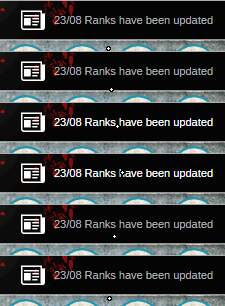
The top bar is adapted for easier follow up, adding the latest news, game changes, and your master account settings.
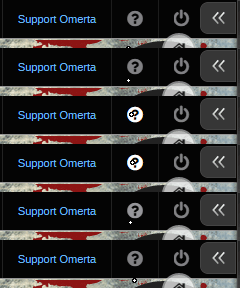
The 'Omerta' menu was removed. The most frequently used links/buttons from it have been moved to the top bar. Now, from the top bar you can access the following:
| Left side of top bar - Access to forums | Right side - Buttons to Donate, tickets, logout and chat |
 |
 |
Cooldown icons
Right below the Top Bar, on the left side of the UI, you can see icons to:
- Perform a crime
- Steal a Car
- Travel
- Buy bullets
These icons allow you two things:
- Access the corresponding action (with a click)
- Manage how much time you will have to wait to do them again (looking at the blue stripe around the circle).
When the action icons appear more transparent than usual, it means you did them recently and you can't perform them yet: you will have to wait until the opacity fills in to 100%. The blue stripe around each circle will tell how much time left.
| Access actions and manage cool-downs |
 |